
Using LED Walls for Dynamic Stage Backdrops: Design, Content and Production

More movement on screen doesn’t always make a stage more compelling. A dynamic LED backdrop works best when each visual supports the event story, rather than competing with speakers or pulling focus from the room. That’s the central challenge of using LED walls for dynamic stage backdrops: creating impact without adding friction to production.
It’s worth comparing an LED wall with static scenic elements or projection, especially when content readiness, visibility and technical coordination are already on your checklist. With the right plan, the screen, stage design and live content can work as one cohesive system.
This guide explains how to choose a backdrop approach for your event format and audience, then plan the content and screen configuration around it. You’ll also find out what to brief and coordinate before show day, from viewing conditions and speaker sightlines to technical handovers. Event 360 Pty Ltd brings creative content, LED wall installation and onsite technical coordination together to help turn a visual concept into a well-coordinated live production.
Table of Contents
Why use LED walls for dynamic stage backdrops?
A dynamic stage backdrop is a visual environment that changes as an event unfolds. An LED wall can switch between still imagery, motion graphics, video and live feeds, giving the stage a visual language that evolves with the programme. The value isn’t movement for its own sake. Each change should help the audience understand or feel the moment.
At a conference, a visual shift can mark the move from one session to another. A product launch might build towards a reveal, while an awards night can give each presentation its own atmosphere. During a live performance, visuals can complement the energy on stage. Each example uses the backdrop to strengthen what’s happening in the room.
A dynamic backdrop earns its place when a visual change makes the event moment clearer, more engaging or more memorable.
What makes an LED wall backdrop dynamic?
Content determines how the backdrop changes. Still images can establish a look; motion graphics can signal a transition; video can create a sense of place; and live feeds can bring the action closer to the audience. Visuals might change between speakers, sessions or performances, with the approach shaped by the event brief and available assets. A considered sequence makes transitions feel intentional without requiring constant motion.
Using LED walls for dynamic stage backdrops offers a different kind of flexibility from a fixed scenic treatment. Scenery can provide a consistent physical setting, while screen content can change to reflect different parts of the programme. Either can suit the event. The choice depends on whether visual variety or a steady stage identity matters more to the experience.
When does a dynamic backdrop improve the audience experience?
Use visual changes to support clear moments, such as introducing a speaker or signalling an agenda transition. Relevant imagery can establish atmosphere and direct attention towards the stage. At a launch, a visual change can focus the room on a reveal; at a performance, visuals can echo the tone of the action.
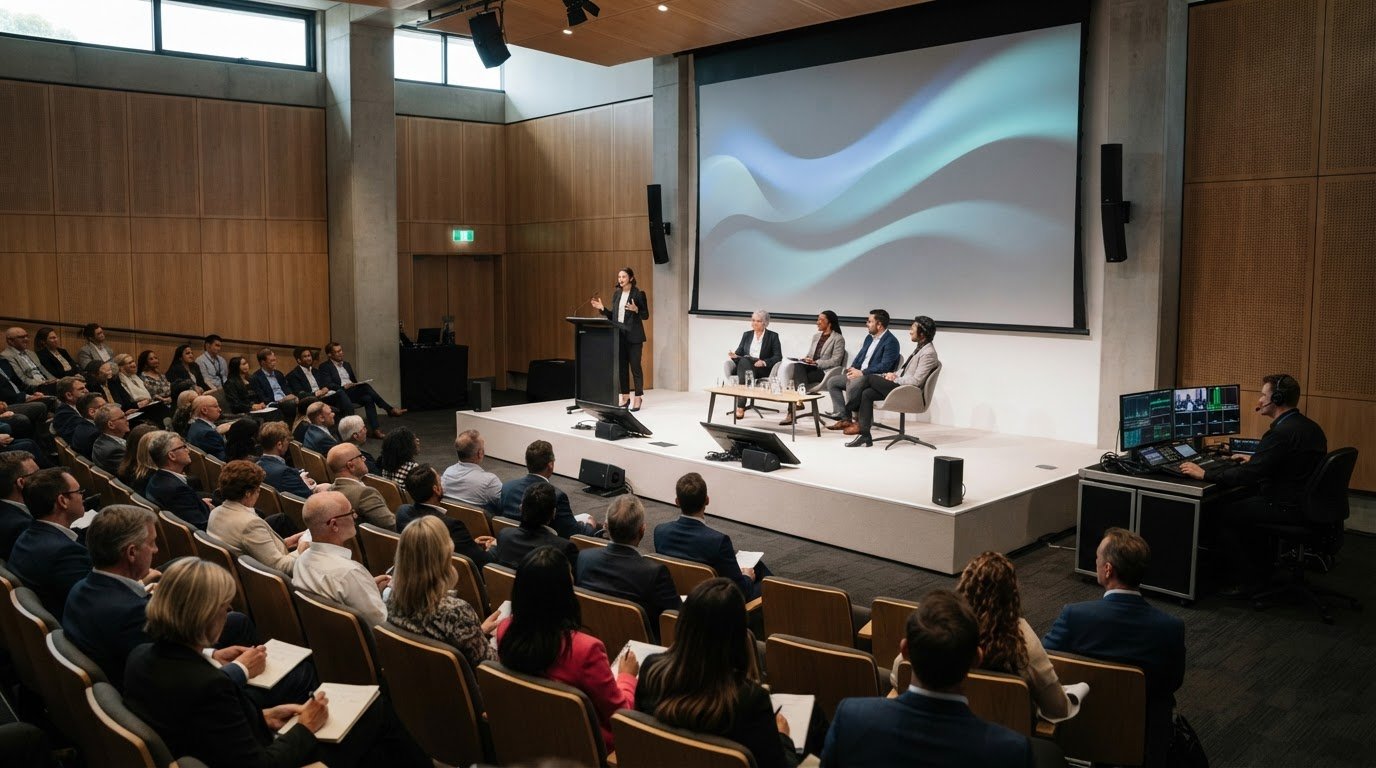
Keep the presenter in focus. Excessive movement or competing information can distract from what they’re saying, so use quieter visuals during speaker-led moments and reserve stronger changes for purposeful cues. That balance makes using LED walls for dynamic stage backdrops feel like part of the event story, rather than decoration competing for attention.
How LED walls, content and stage design work together
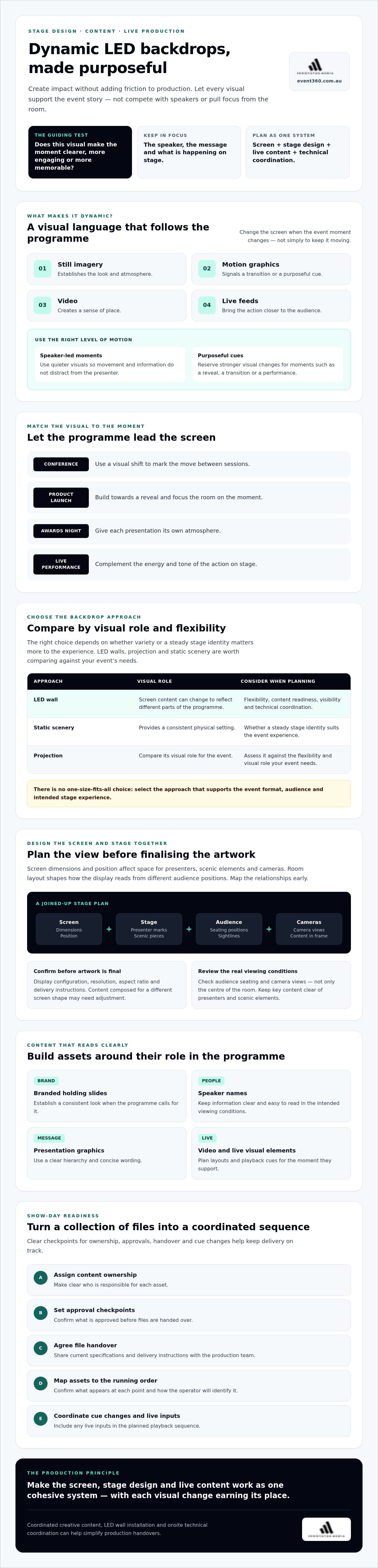
Plan the screen alongside the stage. Screen dimensions and position affect the space available for presenters, scenic elements and cameras, while the room layout influences how the display reads from different audience positions. Map these relationships early. It helps prevent a design that looks balanced on a plan but blocks sightlines or leaves important content out of view.
Confirm the display configuration, resolution and aspect ratio with the production team before artwork is finalised. These details determine how content should be composed and prepared for playback. A file designed for a different screen shape may need adjustment, so agree on the current specifications and delivery instructions rather than relying on assumptions.
What content works well on an event LED wall?
Plan assets around their role in the programme. Branded holding slides, speaker names, presentation graphics, video and live visual elements may each need a different layout. Use a clear hierarchy, concise wording and text sized for the intended viewing conditions. Keep essential details clear of areas that may be obscured by presenters or scenic elements, then review the design in the full display layout.
For using LED walls for dynamic stage backdrops, content design also needs to account for transitions and playback cues. Confirm which asset appears at each point in the running order, how the operator will identify it and whether live inputs need to be incorporated. This turns a collection of files into a coordinated show sequence.
How should the screen fit the stage and audience?
Review the proposed layout from audience seating positions and camera views, not only from the centre of the room. Consider how the screen relates to stage proportions, presenter marks and scenic pieces. Plan presenter positions alongside on-screen information so neither hides nor competes with the other.
Ask the production team to confirm the display configuration and content requirements for the venue, including how playback cues will be managed. Event 360 Pty Ltd can align creative content with LED wall installation and onsite technical coordination as part of the production plan. If you’re coordinating these elements, explore its audio-visual production services.
LED wall backdrops compared with static scenery and projection
Choose a backdrop by starting with the event brief, venue and production plan, not by assuming one approach will suit every stage. An LED wall can change its visuals as the programme moves through different segments. Projection can place imagery across a suitable surface, while static scenery provides a consistent physical setting. Each creates a different relationship between the stage and its visuals.
These are planning considerations, not fixed rules. Assess the room and desired audience experience with your production team before choosing. Scenic elements can also work alongside LED visuals. For example, physical set pieces can frame a screen, adding depth while content changes behind the presenters.
When is an LED wall more adaptable than static scenery?
For a programme with distinct sessions or segments, changing screen content can refresh the stage without replacing its physical setting. A conference might move from event branding to session titles, while a launch could shift from holding visuals to reveal content. That flexibility requires preparation: assets need to be designed, approved and ready for playback. Static scenery may be a better fit when a consistent physical environment is central to the design.
How do projection and LED walls differ as backdrop options?
Compare how each option fits the actual venue. For projection, check the available surface, ambient light and sightlines. For an LED wall, confirm its planned position, configuration and content requirements. Ask your production team to consider how the backdrop will appear from across the room and in camera views, then match the approach to the event’s visual role.
For practical equipment and hire planning, see the LED wall hire buyer’s guide. It can help frame the questions to take into your production discussion. Ultimately, using LED walls for dynamic stage backdrops makes sense when the programme benefits from adaptable visuals and the team can prepare and operate them as part of the wider stage plan.
How to plan LED wall content for a smooth event day
Strong visuals start with a clear brief and finish with a tested show cue. For using LED walls for dynamic stage backdrops, map creative decisions to the event schedule early. Confirm delivery requirements with the production team rather than guessing file formats or display settings.
Build the brief and content workflow
Record the event objectives, brand requirements, key messages and planned visual moments. Note who owns each asset, who approves it, the relevant deadlines and who has final sign-off. This gives designers and operators a clear route from concept to playback and reduces last-minute questions.
Define the visual brief. Identify the audience, event story, brand direction and moments that need distinct visuals.
Assign content ownership. List who will supply, create and approve each item, including speaker names, videos and live visual elements.
Confirm delivery instructions. Ask the production team for current content specifications, file requirements and handover procedures for the planned screen configuration.
Review and approve. Check content against the brief, then confirm the final versions and who can authorise changes.
Test playback and cues. Rehearse the content sequence, transitions and live inputs alongside the event running sheet.
Keep a single, clearly labelled final-content handover where possible. If a speaker name or video changes, tell the person operating playback and confirm which version replaces the earlier file. A common mistake is circulating a revised asset without making clear which copy is approved for the show.
Run a practical pre-show check
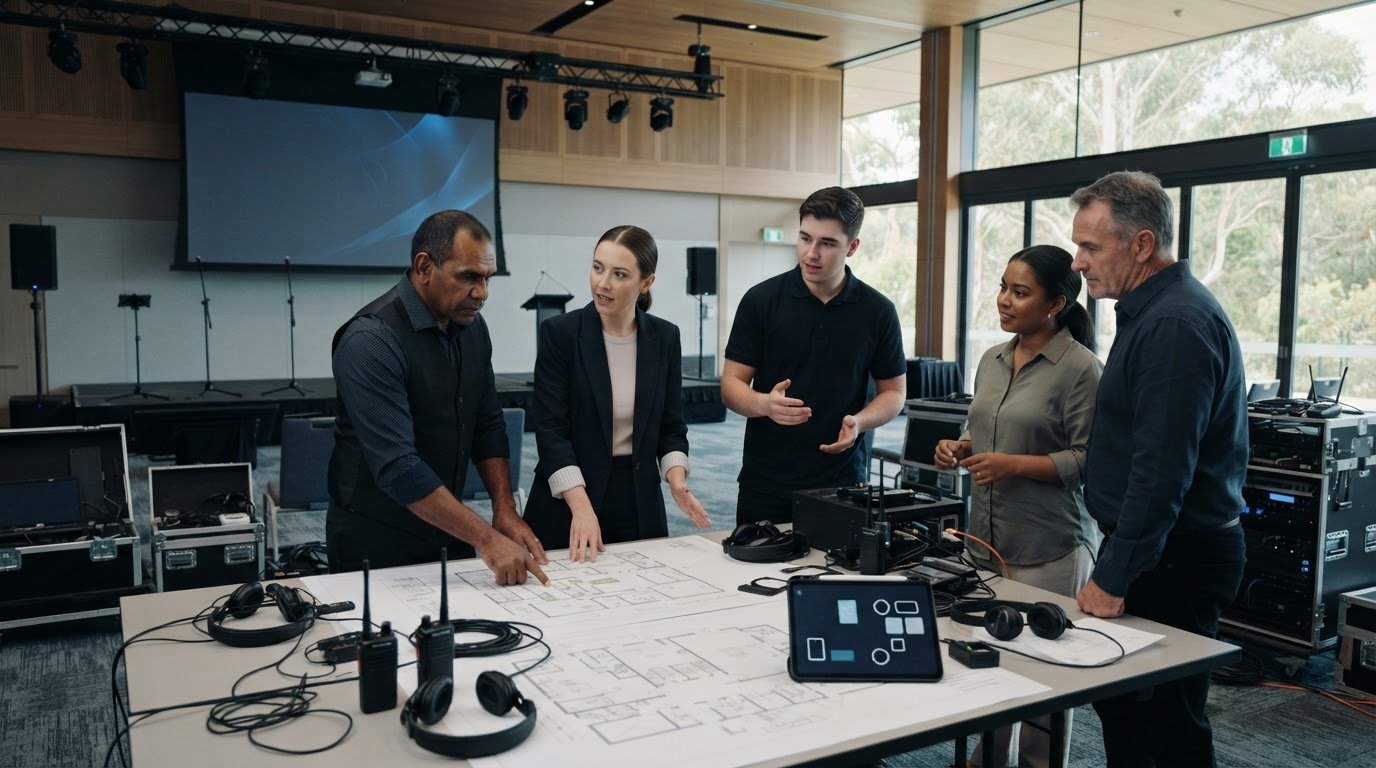
Before doors open, compare the playback order with the running sheet and check that the correct versions are loaded. During technical rehearsal, review the screen from audience viewpoints and confirm that presenters remain visible. Agree who can approve urgent content changes, how the operator will receive them and whether a change affects cue timing.
Are all assets approved and matched to the correct cue?
Have transitions and live inputs been checked in sequence?
Are speaker positions and screen content clear from the room?
Does the team know who can authorise changes and contact the operator?
Use this checklist as a final sign-off, not a substitute for confirming technical requirements with the production team. For more planning considerations, explore LED wall hire for your event. If you’re ready to align content, installation and live operation, talk with Event 360 about LED wall production.
Deliver dynamic stage backdrops with an integrated production partner
Using LED walls for dynamic stage backdrops brings creative choices and technical decisions together. A production partner can connect the event concept to content planning, LED wall installation and operation, so the people creating visuals and running the show work from the same plan. That coordination can reduce handover friction and clarify responsibilities before event day.
Start by identifying the support you need. If you already have approved content and an experienced technical team, equipment hire may be the main requirement. If the visual direction is still taking shape, creative content can help turn the brief into screen-ready assets. If your team needs support with installation, calibration and live operation, clarify which technical responsibilities the production partner will manage. An integrated approach may suit events where creative and technical elements need close coordination.
What should you look for in an LED wall production partner?
Ask how creative decisions feed into technical planning and onsite operation. Clarify who is responsible for installation, calibration, playback and show-day support, and how those tasks connect with the event schedule. Confirm content deadlines, the approval pathway and how changes will be communicated. Clear ownership helps prevent gaps between the team preparing visuals and the team operating them live.
Event 360 brings together LED wall solutions, creative content, technical planning and onsite coordination for events. For broader production considerations, explore this audio visual production guide.
What information helps start an event production conversation?
Share what’s known, even if some plans are still taking shape. A useful enquiry brief can include:
Event details: date, format, audience size and confirmed venue information, if available.
Stage and programme: stage plans, objectives and a draft running order, including key visual moments.
Content and brand: existing brand assets, approved materials and any content already in development.
Audience experience: the atmosphere you want to create and what the screen needs to communicate.
These details give the production team a starting point to identify technical questions, confirm what information is still needed and suggest next steps before the approach is finalised. You don’t need every detail locked in. Being clear about what’s confirmed and what’s undecided helps move the conversation forward.
Ready to bring your event concept and technical plan together? Discuss your event requirements with Event 360.
Bring your stage vision into focus
A memorable backdrop starts with a clear purpose. Using LED walls for dynamic stage backdrops can help shape the audience’s experience, but the visuals need to support the event story and suit the stage, venue and programme. Choose LED, projection, static scenery or a considered mix according to the brief, then plan content and technical delivery as connected parts of the same production.
Clear ownership makes that plan easier to deliver. Confirm who approves content, how files reach the production team and how playback cues align with the running sheet. These decisions help carry creative intent through to the live event without leaving show-day details to chance.
Event 360 offers LED wall solutions alongside creative content and audio-visual production. Technical planning, installation and onsite coordination can be aligned with your event brief, connecting the visual concept with its delivery. Talk with Event 360 about your event’s LED wall and production needs.
Frequently Asked Questions
Can LED walls be used as dynamic stage backdrops for conferences?
Yes. Conferences can use an LED wall for speaker introductions, session titles, branded holding visuals and agenda transitions. Using LED walls for dynamic stage backdrops is especially useful when the programme has distinct segments that need their own visual cues. Plan the screen around the stage layout and presenter positions, then coordinate content changes with the running order so visuals help orient attendees without distracting from speakers.
What content works best on an LED wall behind a speaker?
Choose content that supports the presentation and stays easy to understand from the audience’s seats. Branded holding slides, restrained motion graphics and clear speaker names can work well. Relevant imagery or video can add context at planned moments. Keep text concise and create a clear visual hierarchy. Avoid busy animation or competing messages during a talk, and check that the presenter won’t block important on-screen information.
Are LED walls better than projection for stage backdrops?
Not in every situation. The right option depends on the event brief, venue and production plan. Projection requires an appropriate surface, and organisers should assess ambient light and audience sightlines with their production team. An LED wall may suit an event that needs changing screen content, while projection may fit a venue and design that support it. Compare the practical requirements and intended visual role before deciding.
How do you prepare content for an event LED wall?
Start by confirming the screen configuration, resolution, aspect ratio and file delivery requirements with the production team. Then prepare the content brief, assign owners and approvers, and agree on deadlines and final sign-off. Label approved files clearly and map each asset to a playback cue in the running sheet. Test the final versions in sequence during technical rehearsal, rather than relying on how they look on a computer screen.
Can an LED wall display different visuals during one event?
Yes. An LED wall can show different prepared content at planned points, such as a welcome visual before the event, a session title before a talk and a relevant video or live feed at another cue. The operator follows the agreed playback sequence, so plan changes against the running sheet. Confirm who can approve urgent updates and how revised content will reach the operator.
What should I ask an LED wall production company before booking?
Ask how the team coordinates content, technical planning, installation, calibration and show-day operation. Clarify who supplies or creates visual assets, who approves them, what delivery specifications apply and how cue changes are handled. Share your event format, audience size, venue details, stage plans and visual goals. Event 360 provides LED Wall Solutions, Creative Content and Audio Visual Production, with the scope shaped around your event requirements.
Comments